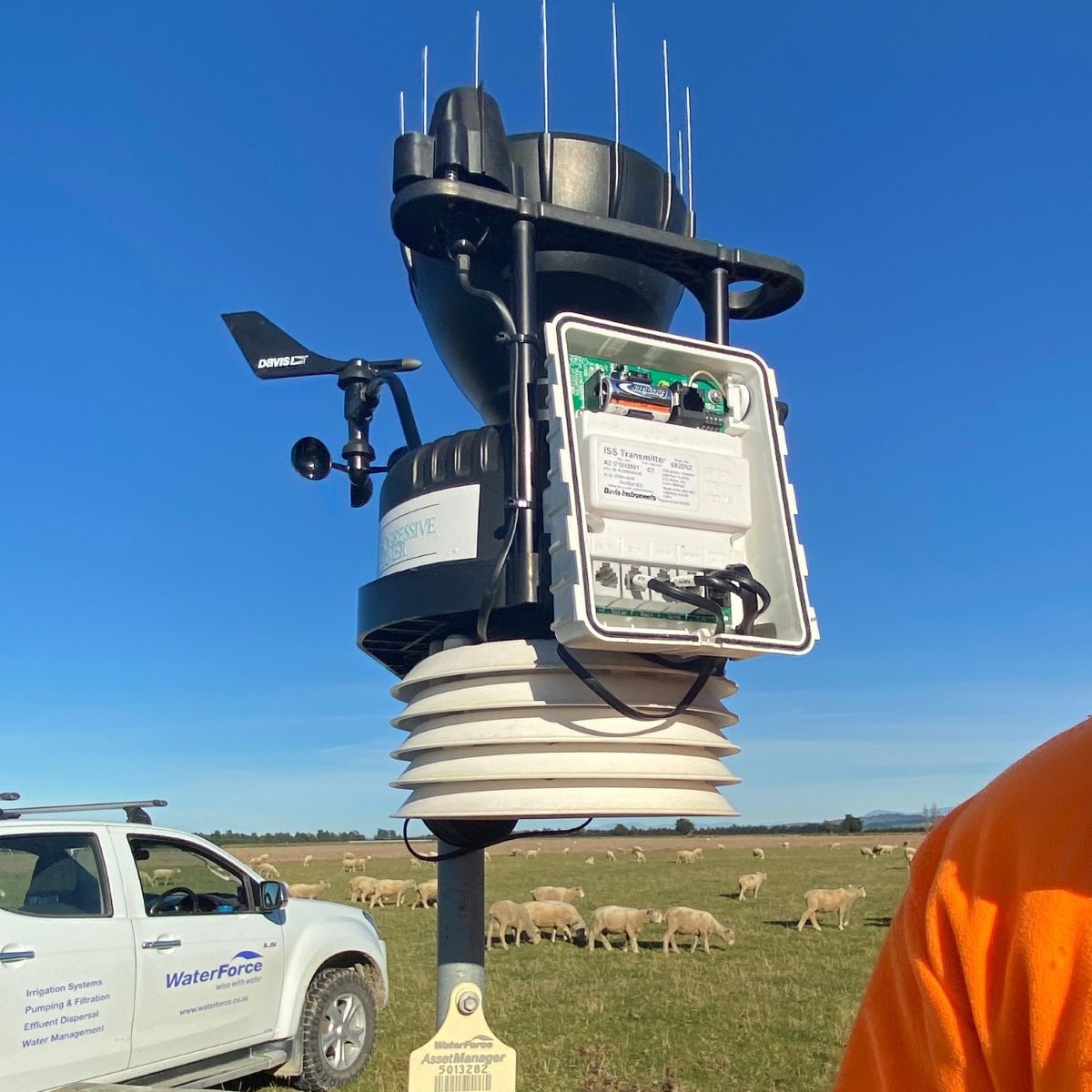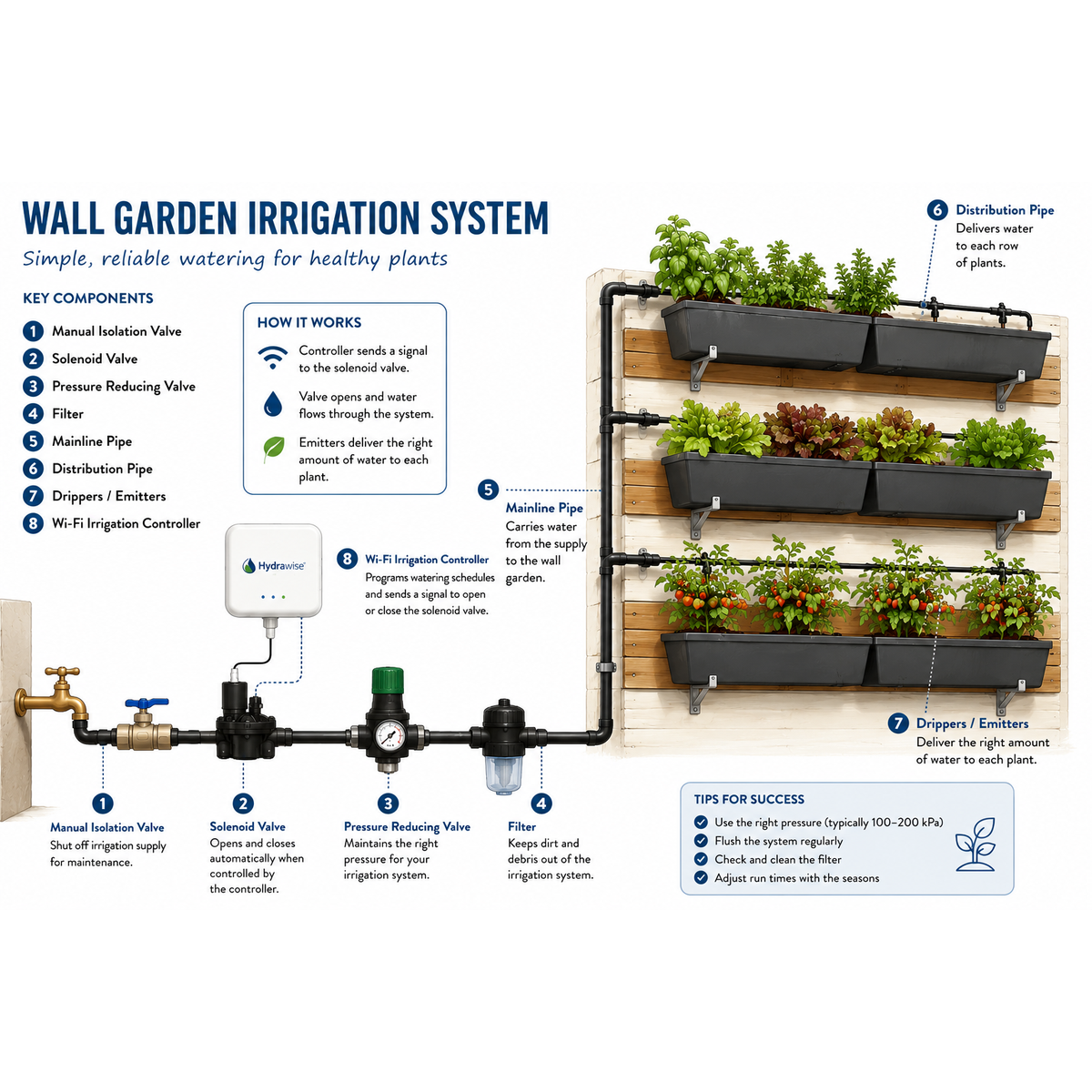
Connectivity in irrigation isn’t a gimmick anymore. It’s one of those upgrades that quietly changes the day-to-day: fewer trips to the controller box, faster tweaks after weather swings, and better support when something’s not quite right. And it’s not just WiFi either. These days you’ll see controllers connecting via cellular, WiFi, and Bluetooth, depending on the site and what you’re trying to achieve.
What are connected irrigation controllers, and what’s the big advantage?
Connected irrigation controllers are irrigation timers that link to an app or web portal so you can monitor and adjust irrigation from your phone or computer. The big win is control: you can change run times, start or stop zones, and respond to weather or system issues without being on site.
For growers, that means tighter water management and quicker responses. For home owners, it means less guess work and fewer “oops, I left it running” moments.
WiFi, cellular, and Bluetooth: what’s the difference?
Not all “connected” controllers connect the same way. Here’s the plain English version.
WiFi-connected controllers
These connect to your farm or home network (router) and then out to the internet.
Best for:
- Homes, packhouses, sheds, or anywhere with solid WiFi coverage
- People who want easy app control without extra monthly costs
What you get:
- Control from anywhere (as long as the controller stays online)
- Remote scheduling changes and manual starts/stops
- Alerts and notifications (model-dependent)
Cellular-connected controllers
These use a SIM connection (like your phone) to get online. This is a big deal for rural properties where WiFi at the controller location is patchy or non-existent.
Best for:
- Remote pump sites
- Blocks where the controller is nowhere near the house/router
- Growers who want reliable connectivity without relying on farm WiFi
What you get:
- Remote access from anywhere, even when there’s no WiFi available
- Often more dependable connection for isolated sites
- Ideal for multi-block operations where controllers are spread out
(Depending on the setup, there can be a data plan or ongoing cost. But it can be far cheaper than the time and travel of constantly driving back and forth.)
Bluetooth controllers
Bluetooth is short-range. It connects your phone directly to the controller when you’re close by.
Best for:
- Small systems
- Sites where you don’t need off-site control
- People who want quick wireless programming without standing in front of a tiny screen
What you get:
- Easy programming and adjustments from your phone while on site
- No need for WiFi or cellular coverage
- A good step up from old-school dial-and-button controllers
The real-world benefits for growers
When you’re irrigating for production, the ability to respond fast matters. Connected controllers make it easier to keep water aligned with what the crop, soil, and weather are doing.
1) Faster changes after weather events
If you get heavy rain, strong wind, or a sudden heat spike, you can:
- Pause irrigation immediately
- Adjust runtimes the same day
- Avoid waterlogging or stress without waiting until you’re back at the controller
That quick response can save a lot of grief, especially in shoulder seasons when conditions change overnight.
2) Better scheduling without extra travel
Driving out to a controller just to shave 10 minutes off a run time is frustrating and expensive. With WiFi or cellular connectivity, you can make those small changes in seconds from your phone, whether you’re in the yard, in town, or on another block.
3) More consistent water management across the season
Irrigation is rarely set-and-forget. Crop stages change, evap changes, and the system changes too (filters load up, pressure shifts, sprinklers get knocked). Connected controllers make it easier to keep tuning as the season moves, instead of letting settings drift.
4) Easier teamwork across the operation
If you’ve got staff, a manager, or an advisor involved, connected access means everyone can see what’s happening and make changes cleanly, rather than guessing what someone did last week at the cabinet.
The big one that gets overlooked: remote support from your service provider
This is where connected controllers really earn their keep.
If you choose to give your service provider access, they can often trouble shoot issues without jumping in a vehicle and travelling to site. That can save serious money in labour and travel, and it often speeds up the fix.
Common examples we help with remotely:
- Programming questions (start times, runtimes, days)
- Seasonal adjustments after rain or heat
- Checking if the controller is actually running when it should
- Sorting simple configuration issues that look like “faults” but aren’t
Sometimes it’s not even a “problem”. It’s just a quick check to confirm the controller is set up correctly for what you’re trying to achieve.
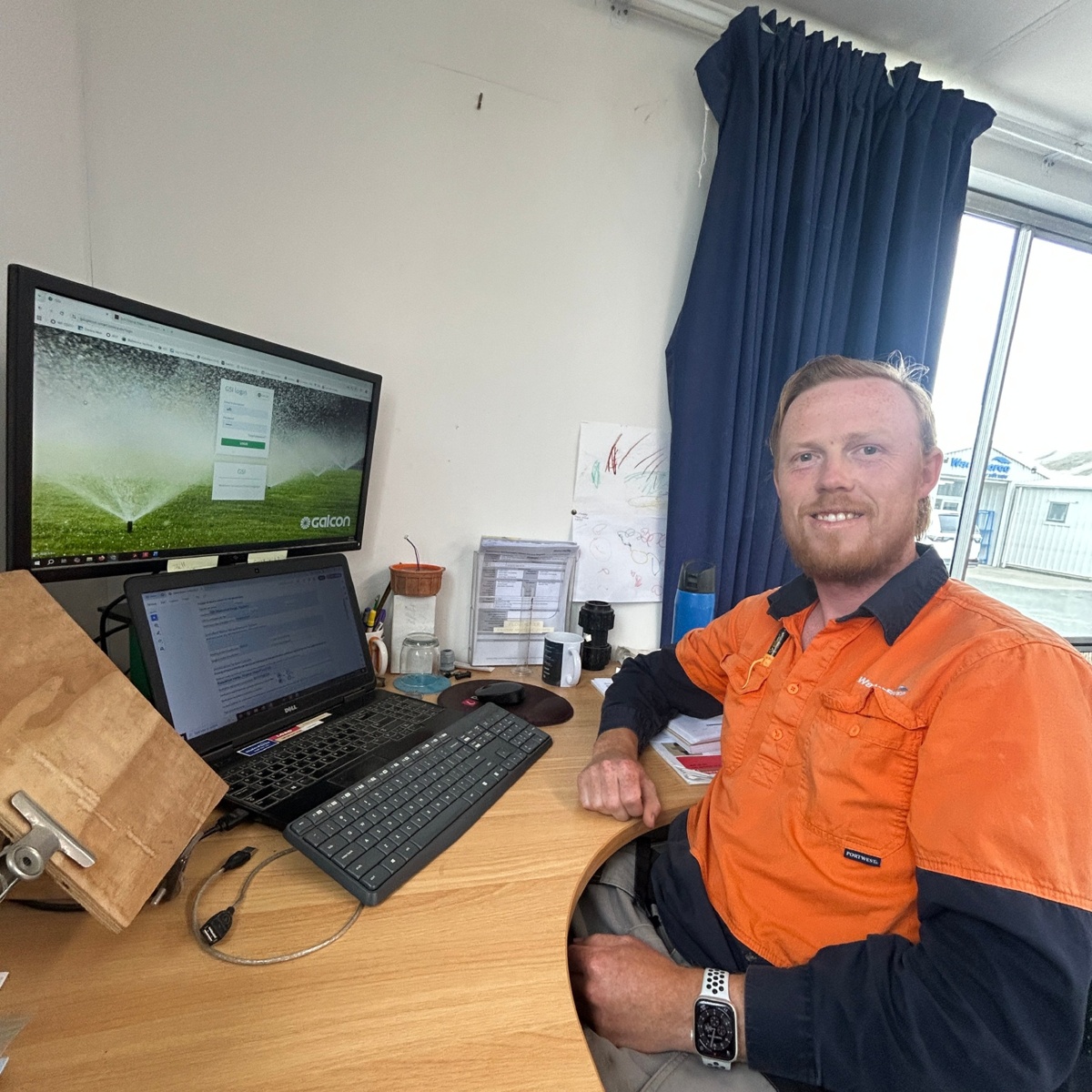
Around Nelson and Tasman, Jake from our WaterForce branch is regularly across the region, from Richmond to Brightwater and Tapawera toMotueka. Connected controllers are a genuinely efficient way for us to support clients with controller and system-related issues, without the cost and downtime of unnecessary site visits.
What you can do remotely (and what still needs boots on the ground)
Connected control is powerful, but it doesn’t replace maintenance and good system design.
You can usually handle remotely:
- Start/stop irrigation
- Change schedules and run times
- Pause irrigation after weather events
- Review controller status (and sometimes alarms/alerts)
- Assist with programming and setup
You’ll still need on-site help for:
- Leaks, breaks, and blocked sprinklers
- Valve faults, wiring faults, solenoid issues
- Pump, filter, or pressure problems
- Physical damage or component failure
A good rule: if it’s a settings issue, remote support often sorts it quickly. If it’sa hardware issue, remote access helps diagnose it faster, but the fix still happens on site.
What to think about before upgrading
If you’re considering a connected controller, these are the practical questions we run through with customers:
- Where is the controller located? (House wall, pump shed, orchard block, remote site?)
- Is WiFi reliable at that spot, or is cellular a better fit?
- How many zones do you have now, and how many later?
- Do you want off-site control, or is Bluetooth-on-site enough?
- Who needs access? Just you, or staff too?
- Do you want your service provider to have access for remote support?
Choosing the right connection method up front is what makes the difference between “this is awesome” and “this drops out all the time.”
Talk to WaterForce about connected controllers
If you want to reduce site visits, tighten up irrigation control, or make it easier for our team to support you remotely, have a yarn with WaterForce. We can recommend the right controller and connection option (cellular, WiFi, or Bluetooth), help with installation, and make sure the programming actually matches your property and water goals.
Get in touch with your local WaterForce branch or send an enquiry through our website. Tell us what you’re irrigating, where the controller sits, and how many zones you’re running.
Relevant links:
https://www.waterforce.co.nz/water-for-home/home-irrigation
https://www.waterforce.co.nz/water-for-food/horticulture-and-viticulture
https://www.hunterirrigation.com/products/Hydrawise
https://www.hunterirrigation.com/en-metric/irrigation-product/controllers/node-bt
https://www.galconc.com/product/gsi-gardening-series/
https://www.galconc.com/product/gsi-ag-series/
.jpg)